Custom QR codes with your logo and brand colors
Plain black-and-white squares get ignored. QBit lets you put your logo in the center, pick your colors and choose dot and corner shapes - while keeping the code reliable to scan.
No card required · cancel any time
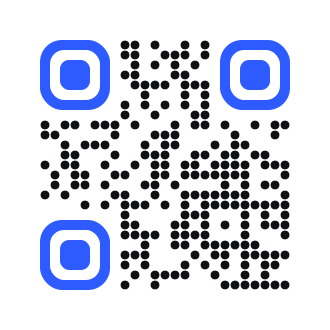
Design options
Every QBit code can be styled from the dashboard or the API:
- Your logo in the center (PNG, JPG, WEBP or GIF upload, up to 2 MB)
- Custom foreground, background and corner colors
- Dot styles: square, rounded, dots, gapped, vertical or horizontal bars
- Corner (eye) styles: square, rounded or circle
- High error correction so the code still scans with a logo on top
Print-ready downloads
Download a high-resolution PNG (up to 2048 px), a scalable SVG for designers, or a PDF for print shops. Because the code is dynamic, you can restyle or re-point it later; reprint only if you change the design itself.
Keep your branded QR code scannable
- Use a dark foreground on a light background
- Keep the logo simple and not larger than about a quarter of the code
- Leave a quiet margin around the code when printing
- Always test-scan with two different phones before a big print run
Plans
Frequently asked questions
Can I add a logo to a QR code?
Yes. Upload your logo in QBit and it is placed in the center of the code. QBit uses high error correction so the code still scans reliably.
Which file format should I use for printing?
Use SVG or PDF for professional printing because they scale without losing quality. PNG is fine for web, documents and small prints.
Will a colored QR code still scan?
Yes, as long as there is strong contrast between the dots and the background. Dark colors on a light background work best.